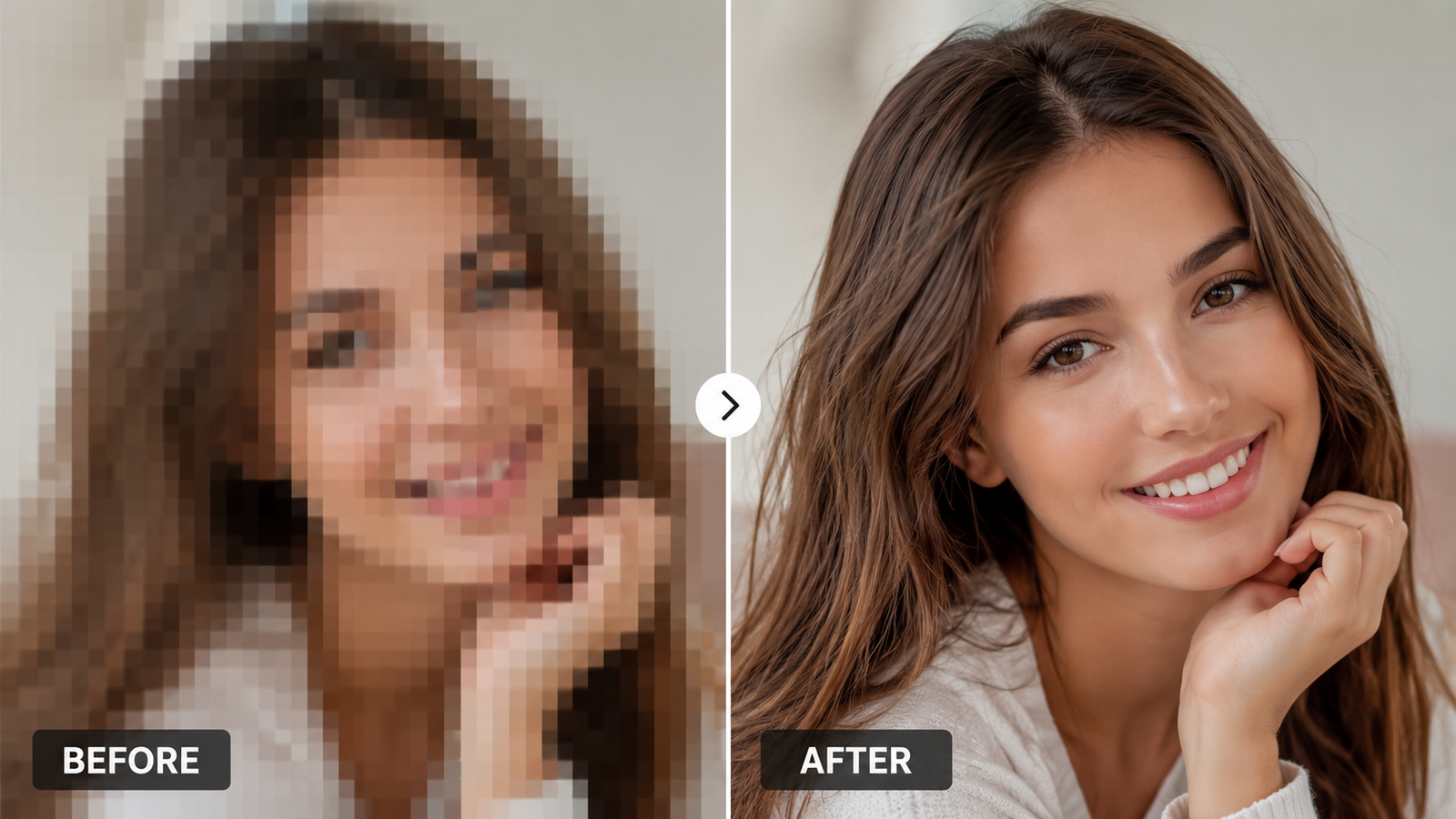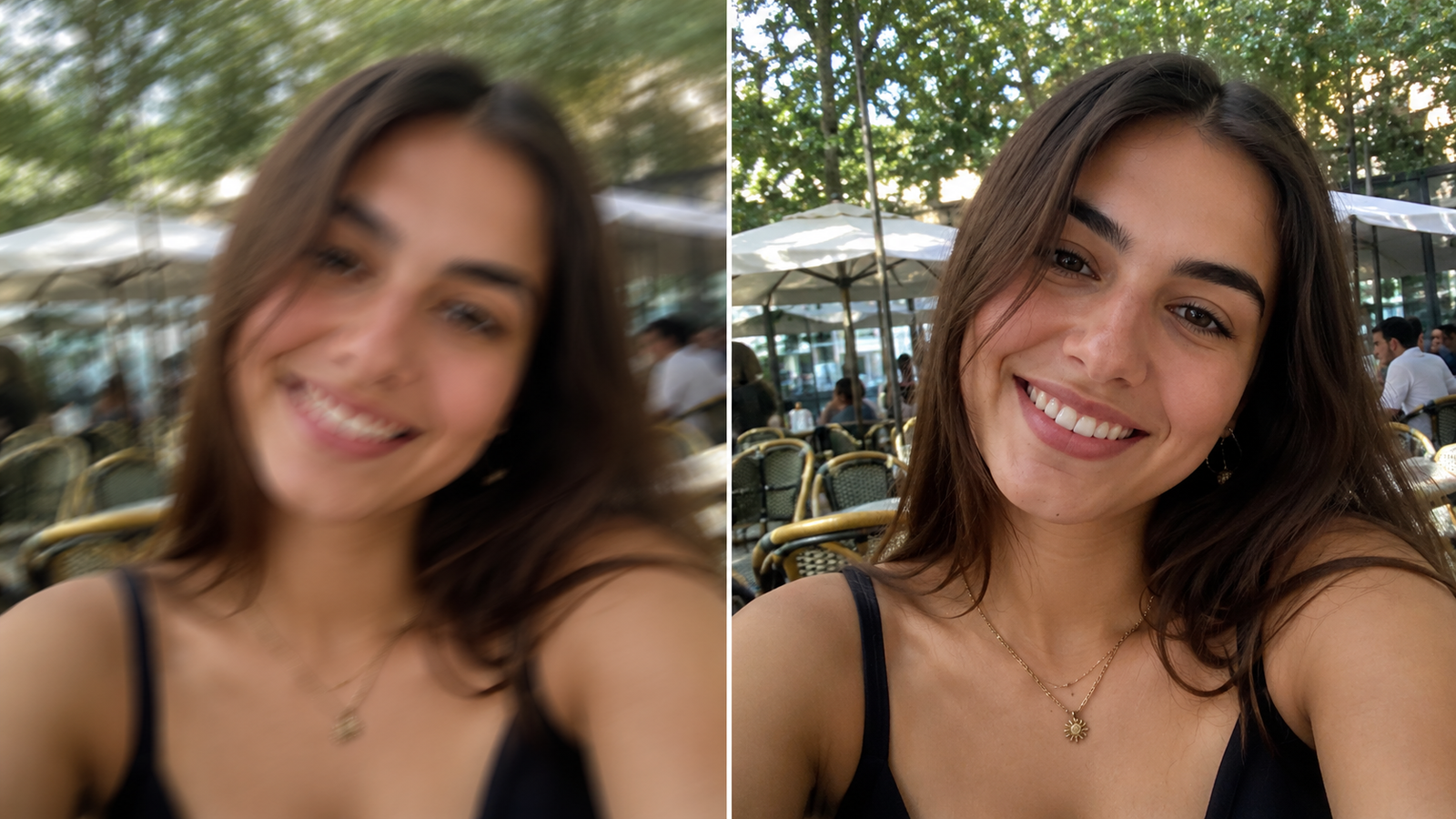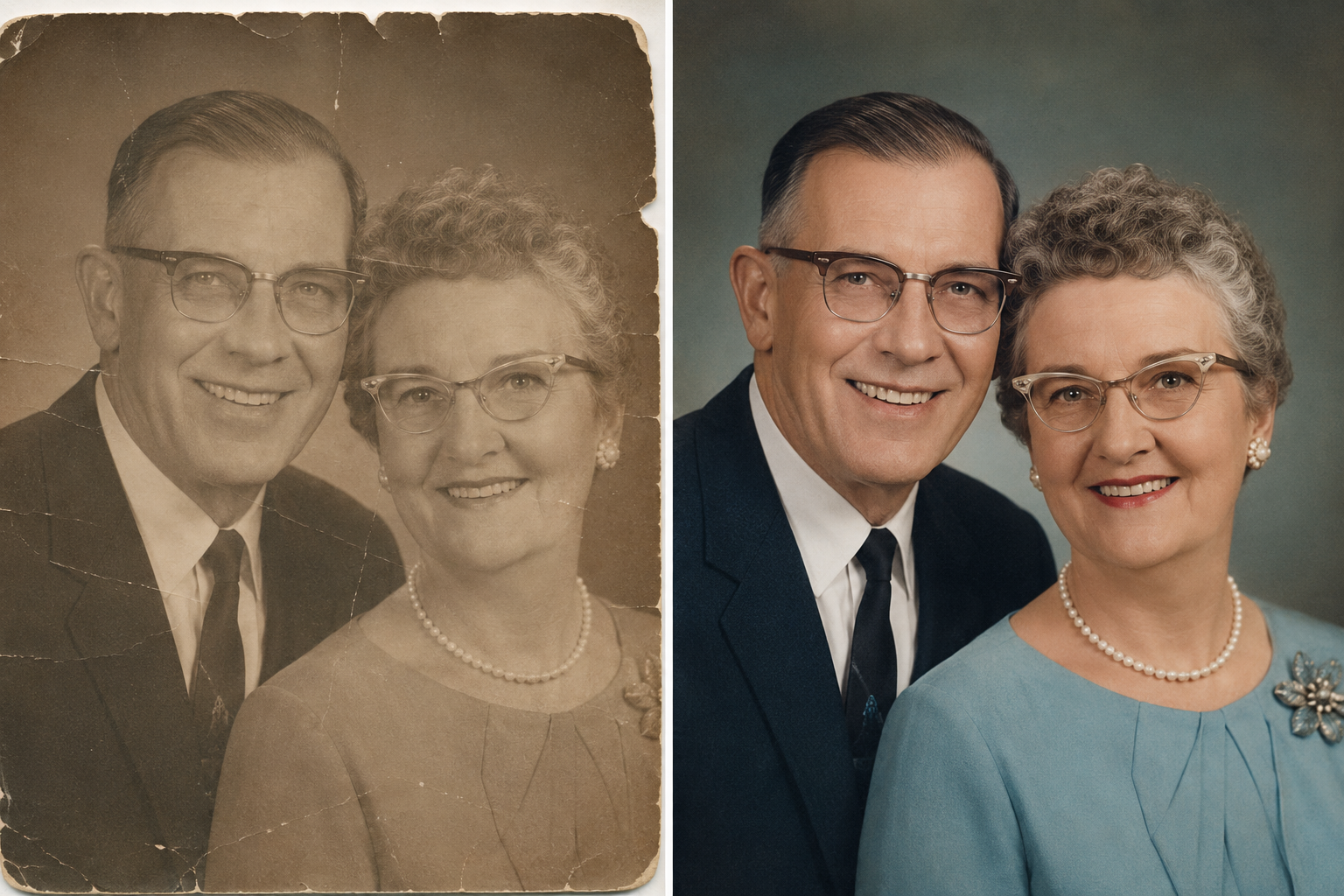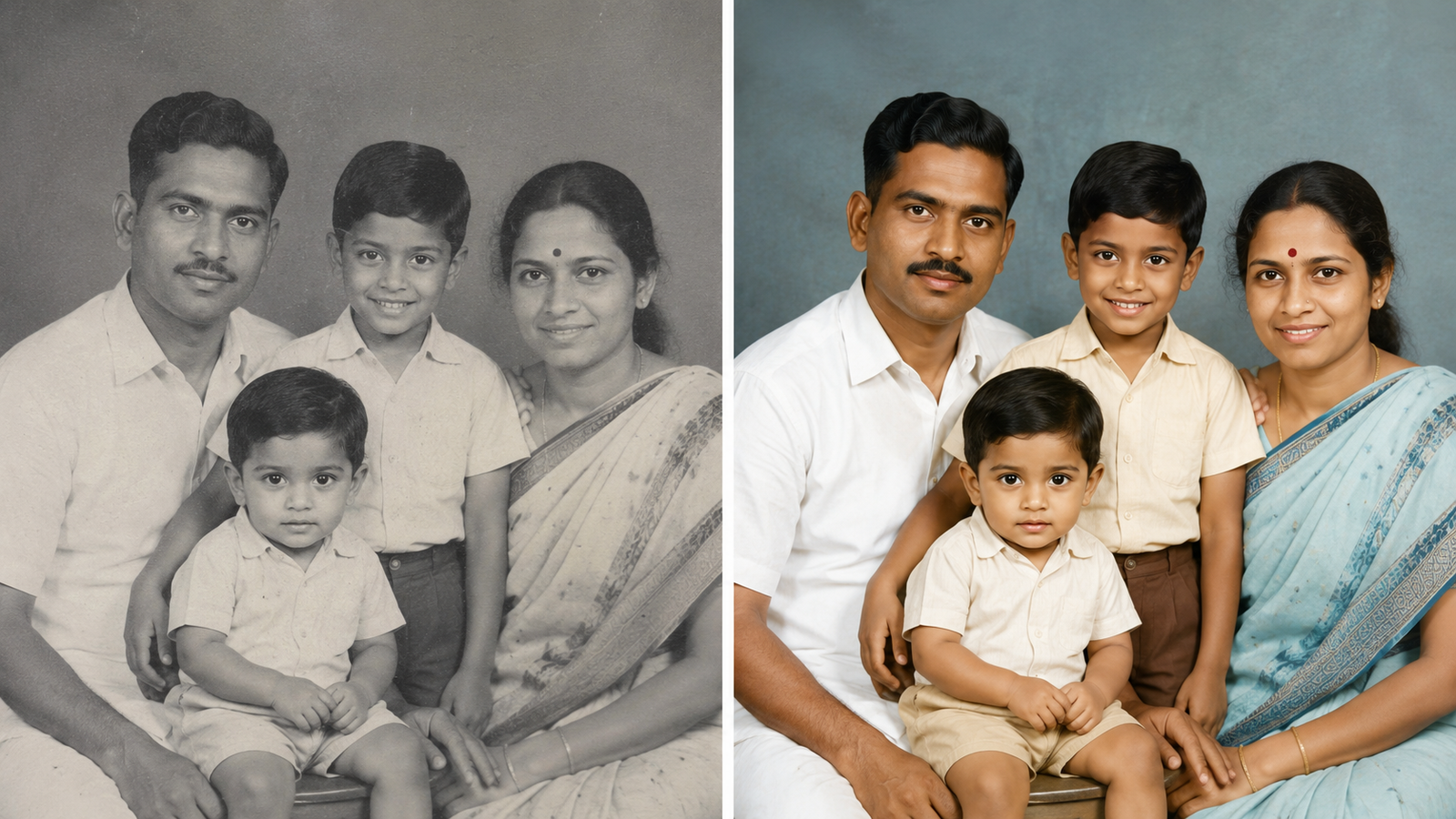
There's something magical about seeing an old family photo in colour for the first time. The moment you colorize black-and-white photos, people stop looking like history — they look real. Your grandfather's eyes get their colour back. The 1970s living room suddenly feels familiar. And with AI, this now takes seconds, not hours in Photoshop.
Here's exactly how to do it, free, from your phone.
How does AI photo colorization work?
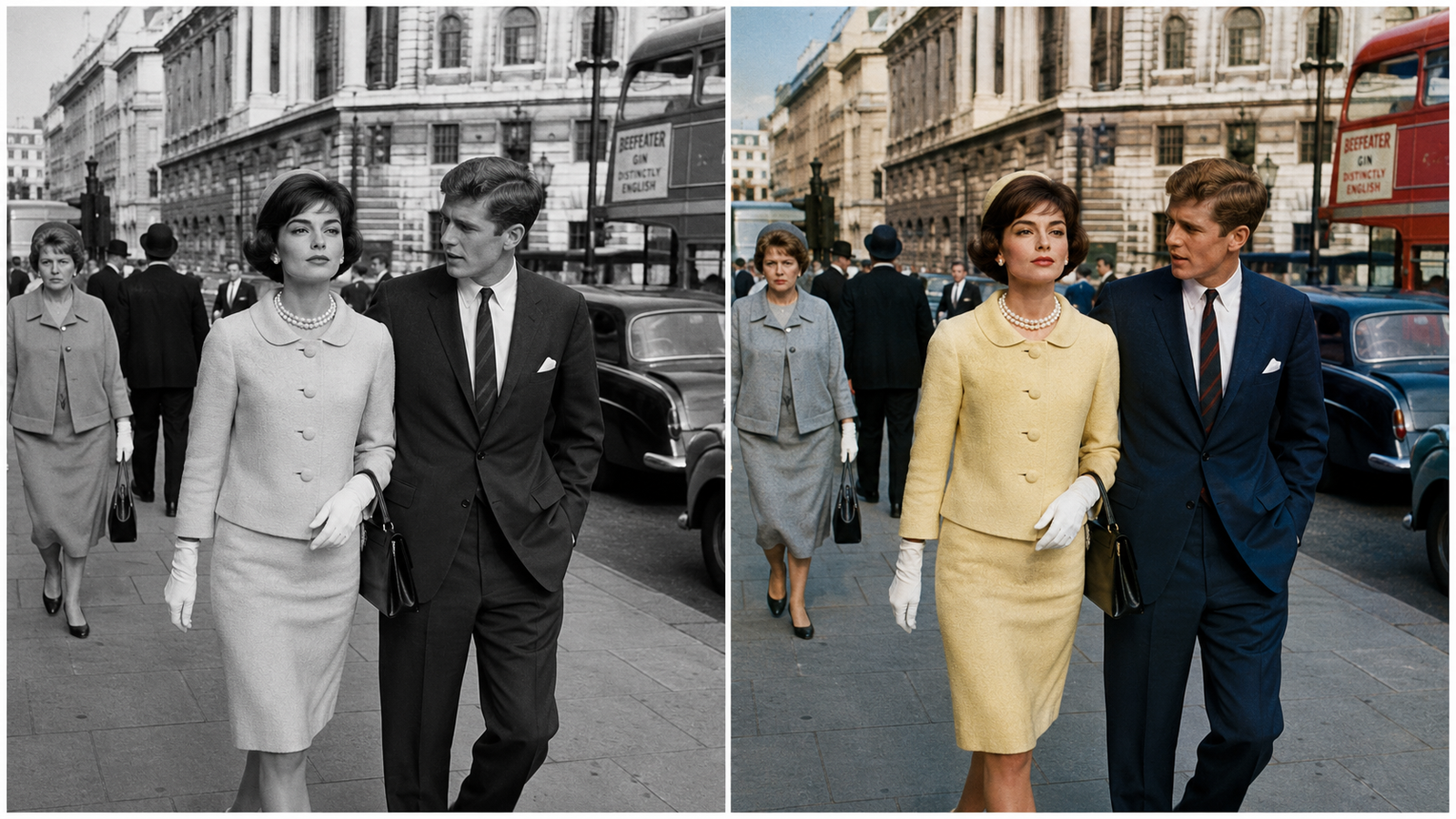
AI colorization models have studied millions of photographs, so they've learned what the world looks like — skin tones, skies, grass, fabrics, wood. When you upload a black and white photo, the AI recognises what's in the image and paints in realistic, historically plausible colour. It's not guessing randomly; it's applying everything it has learned about how real scenes look.
The result isn't a "filter" — it's your photo, the way the moment might have actually looked.
How to colorize black and white photos — step by step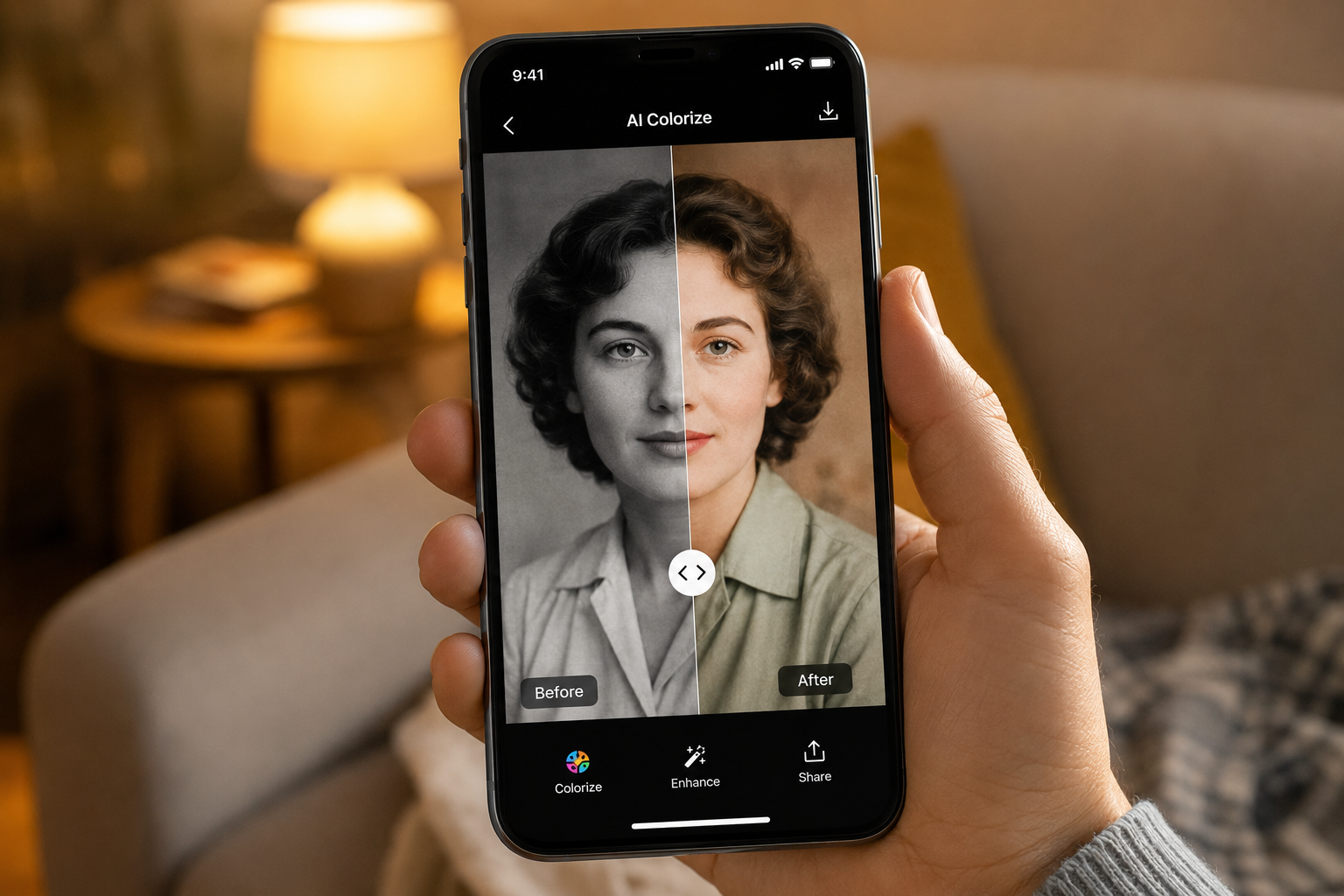
- Scan or photograph the print. Lay it flat in soft daylight, no flash, and shoot straight-on.
- Open Remini and choose the colorize / enhancement tool.
- Upload your black and white photo.
- Let the AI work — colour appears in a few seconds.
- Compare and save in HD. Use the slider to see before and after, then export.
For very old, damaged photos, restore first and colourize second — our guide on restoring old photos with AI covers that first step, and if the print is blurry, unblur it before colourizing for a much cleaner result.
Tips for realistic colour
- Start with the sharpest copy you have — colour lands better on clear detail.
- Fix damage first, colour second. Restoration then colorization gives the most natural output.
- Run it more than once. Slightly different results each pass; keep the most believable one.
- Mind the expectations. The AI picks plausible colours, not guaranteed historically exact ones. That red dress might have been blue — but it will look real.
Is it free to colorize photos with AI?
You can try colorization free in the standard Remini app, but daily limits, ads, and watermarks arrive fast, frustrating if you're doing a whole family album. The Remini Mod APK removes all of that: unlimited colorization and enhancement, no watermark, full HD export, completely free. New to modded apps? Read our honest Remini Mod APK safety guide first. The original app is also available on the Play Store.
Frequently Asked Questions
Can AI really colorize black and white photos accurately?
Yes — AI produces realistic, natural-looking colour based on what it recognises in the photo. Exact historical colours can't be guaranteed, but results consistently look believable.
Is AI photo colorization free?
You can colorize a limited number of photos for free. The Remini Mod APK unlocks unlimited colorization with no ads or watermark at no cost.
Does colorizing damage the original photo?
No. The AI creates a new colour version — your original black and white file stays untouched.
What's the best app to colorize old photos?
Remini is the strongest option in 2026 because it combines colorization with restoration and face enhancement — see our full comparison of the best AI photo enhancer apps.
See your memories in colour
Somewhere in your family's albums is a photo that deserves colour. Download the Remini Mod APK and bring it to life today; it takes less than a minute.